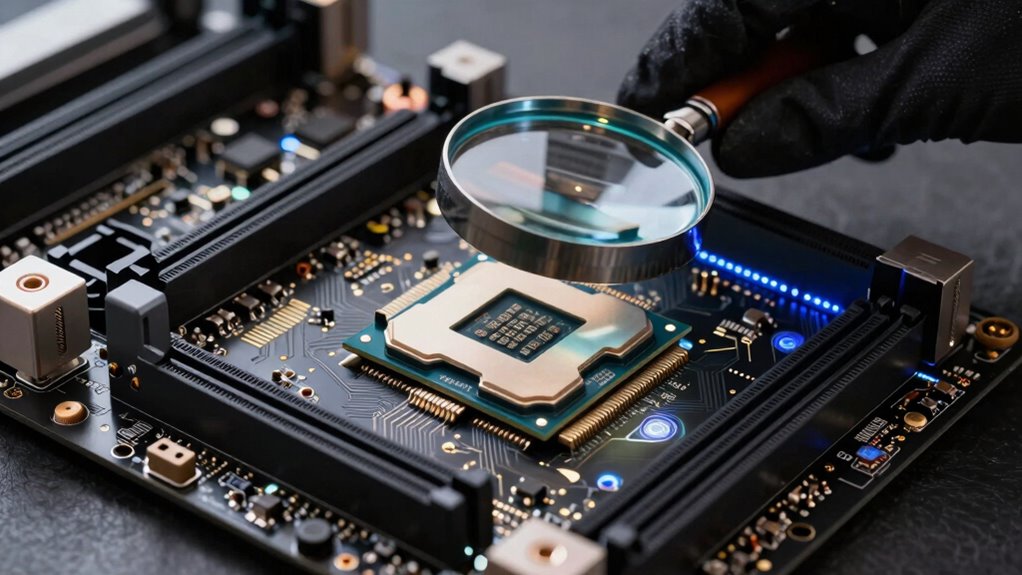

To review processor support quality before switching, start by checking the manufacturer’s specifications and support documentation for compatibility with your motherboard, RAM, and chipset. Look for BIOS update requirements and verify if your critical software and hardware are optimized for the new processor architecture. Read user reviews and forums to identify common issues or success stories. Ensuring all components and software support will help you avoid performance bottlenecks. Continue exploring to learn more about making a seamless upgrade.
Key Takeaways
- Check the processor’s official compatibility list for your motherboard, RAM, and other components.
- Review BIOS update requirements to ensure support for the new processor.
- Read user reviews and forums for real-world feedback on processor support and stability.
- Verify that critical software applications are optimized for the new CPU architecture.
- Confirm that integrated features and instruction sets align with your system’s future needs.
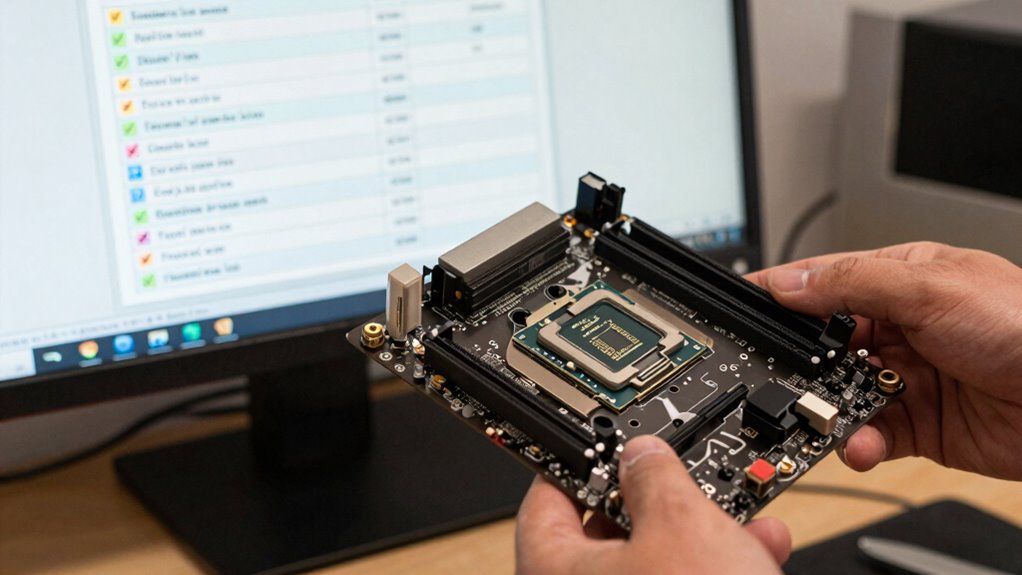
Have you ever wondered how well your computer’s processor supports the latest software and hardware? Before making a switch or upgrading, it’s vital to evaluate the processor support quality to avoid future headaches. One key aspect to take into account is the overclocking potential of the processor. If you’re someone who likes to push your system’s limits for extra performance, you need a CPU that offers good overclocking headroom. Check the processor’s specifications and reviews to see if it’s known for stable overclocking. A processor with high overclocking potential can give you a performance boost without requiring a new motherboard or other components. However, be aware that overclocking can increase heat output and power consumption, so make sure your cooling system and power supply are up to the task. Proper cabling solutions can also help manage the increased thermal output effectively.
Another often-overlooked factor is compatibility issues. When switching processors, compatibility goes beyond just fitting into the socket. You must verify if your current motherboard supports the new CPU, especially if you’re considering an upgrade to a newer generation. Sometimes, even with the right socket, BIOS updates are necessary to guarantee full compatibility. Failing to update your BIOS before installing a new processor can lead to system instability or the inability to boot. Additionally, check whether your RAM, chipset, and other components are compatible with the new processor. Compatibility issues can cause performance bottlenecks or hardware malfunctions, which can be frustrating and costly to fix after the fact. It’s also helpful to consult processor support documentation to understand specific requirements and limitations. Proper hardware compatibility is essential for ensuring a smooth transition and optimal performance. Furthermore, understanding the compatibility requirements can help prevent costly hardware upgrades later on.
Verify motherboard, BIOS, RAM, and chipset compatibility before upgrading to avoid performance issues and hardware malfunctions.
It’s also wise to examine the processor’s integrated features, such as support for newer instruction sets or improved power efficiency. These features can enhance overall system performance and future-proof your setup. Reading reviews from other users can provide insights into how well the processor supports various hardware configurations and software compatibility, helping you avoid potential issues. Forums and manufacturer support pages are also good resources for troubleshooting potential problems before you upgrade.
Finally, think about the processor’s support for the software and hardware you use daily. If your work depends on specific applications, ensure they are optimized for the processor architecture. Compatibility issues with software can negate the benefits of a new, faster CPU. By thoroughly researching the overclocking potential, compatibility issues, and feature set of a processor, you can make an informed decision that maximizes your investment and minimizes surprises down the line. Proper review before switching saves you time, money, and frustration, ensuring your system remains stable and performs at its best.
motherboard BIOS update for CPU compatibility
As an affiliate, we earn on qualifying purchases.
As an affiliate, we earn on qualifying purchases.
Frequently Asked Questions
How Often Do Processor Support Updates Occur?
Processor support updates, like firmware updates and driver compatibility improvements, typically occur every few months, but it varies by manufacturer and processor model. You should regularly check manufacturer websites or support channels for the latest updates. Staying current guarantees your processor runs smoothly, maintains security, and works with new hardware or software. Frequent updates indicate active support, so keeping an eye on release notes helps you decide when to switch or upgrade.
Can Unsupported Processors Be Safely Used Long-Term?
Unsupported processors aren’t safe to use long-term because they won’t receive essential firmware updates and compatibility patches. Without these updates, your system becomes vulnerable to security risks and may experience stability issues. Relying on unsupported hardware can also lead to compatibility problems with new software and hardware. To guarantee safety and performance, it’s best to switch to a supported processor that regularly receives firmware updates and compatibility patches.
What Signs Indicate Processor Support Issues?
Imagine your processor as a reliable navigator. Signs of support issues include firmware updates becoming unavailable or delayed, indicating compatibility patches aren’t being issued. You might notice system crashes, freezes, or degraded performance, much like a navigator losing signals. These issues suggest support problems, so you should check for firmware updates regularly and guarantee compatibility patches keep pace with your hardware. If support wanes, consider upgrading to avoid future disruptions.
Are There Risks in Using Outdated Processor Support?
Using outdated processor support risks firmware stability issues and missing out on compatibility enhancements. You might encounter crashes or bugs because older firmware doesn’t handle new hardware or software well. Compatibility improvements in updates guarantee smooth operation and security patches. By sticking to outdated support, you could face system instability and compatibility problems, which can lead to data loss or hardware failures. Always use the latest support to maintain system health and performance.
How to Verify Support Compatibility With New Hardware?
You might find it surprising, but verifying support compatibility with new hardware starts with firmware updates. Make certain your system’s firmware is up-to-date, as manufacturers often release updates to improve compatibility. Then, conduct thorough compatibility checks—review your hardware specifications against the processor’s supported features. This way, you catch potential issues early, avoiding headaches later. Always consult official documentation or support forums to confirm your setup aligns perfectly with your new hardware.
CPU overclocking cooling solutions
As an affiliate, we earn on qualifying purchases.
As an affiliate, we earn on qualifying purchases.
Conclusion
By thoroughly reviewing processor support, you guarantee your system remains reliable and future-proof. For instance, a gaming enthusiast who checked compatibility before upgrading avoided costly issues and enjoyed seamless performance. Remember, evaluating compatibility isn’t just about current needs—consider upcoming software updates and hardware requirements. Taking this proactive step helps you make smarter decisions, saving time and money in the long run. Stay vigilant, and your system will serve you well through all your tech adventures.
DDR4 RAM compatible with Intel Core i7
As an affiliate, we earn on qualifying purchases.
As an affiliate, we earn on qualifying purchases.
processor support documentation for AMD Ryzen
As an affiliate, we earn on qualifying purchases.
As an affiliate, we earn on qualifying purchases.