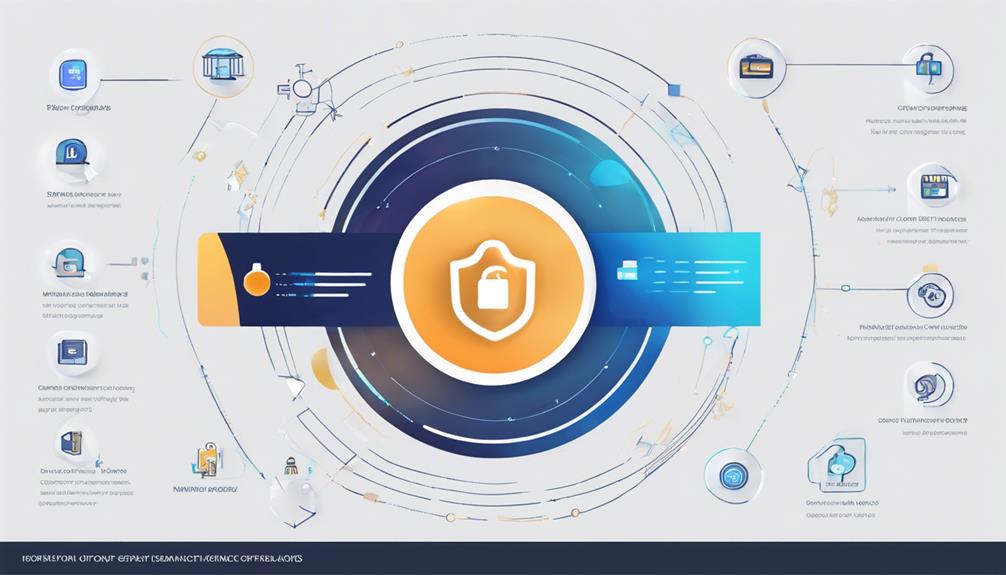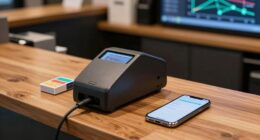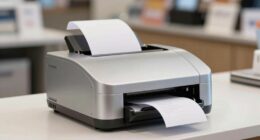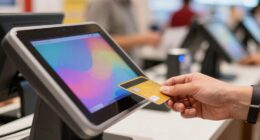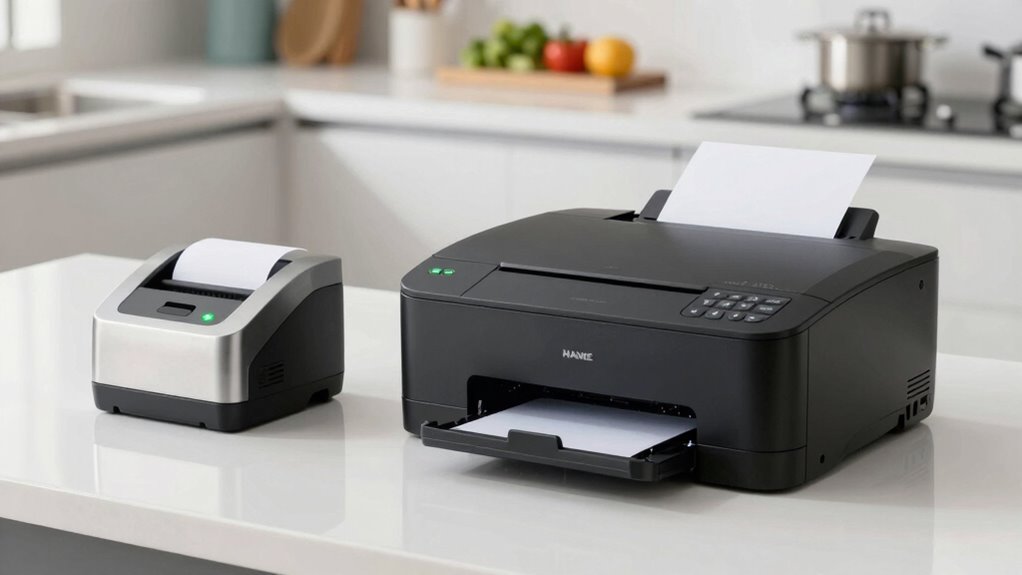
Understanding the difference between kitchen and front-counter printers is key to smooth operations. Front-counter printers are designed for speed, visibility, and customer interaction, producing clear receipts quickly. Kitchen printers focus on durability, handling heat and humidity to guarantee they work without frequent repairs. Using the right type prevents errors, saves costs, and boosts customer satisfaction. Keep exploring to discover how selecting the appropriate printer improves your workflow and overall service quality.
Key Takeaways
- Front-counter printers prioritize speed, readability, and customer interaction, while kitchen printers focus on durability and streamlined order communication.
- Front-counter printers produce larger receipts for customers; kitchen printers generate smaller, functional tickets for staff.
- Placement differs: front counters for customer visibility, kitchens for efficient order flow and reduced congestion.
- Maintenance costs are minimized by selecting durable, high-quality models suited for high-traffic or harsh environments.
- Using appropriate printers ensures accurate orders, faster service, and improved overall customer satisfaction.
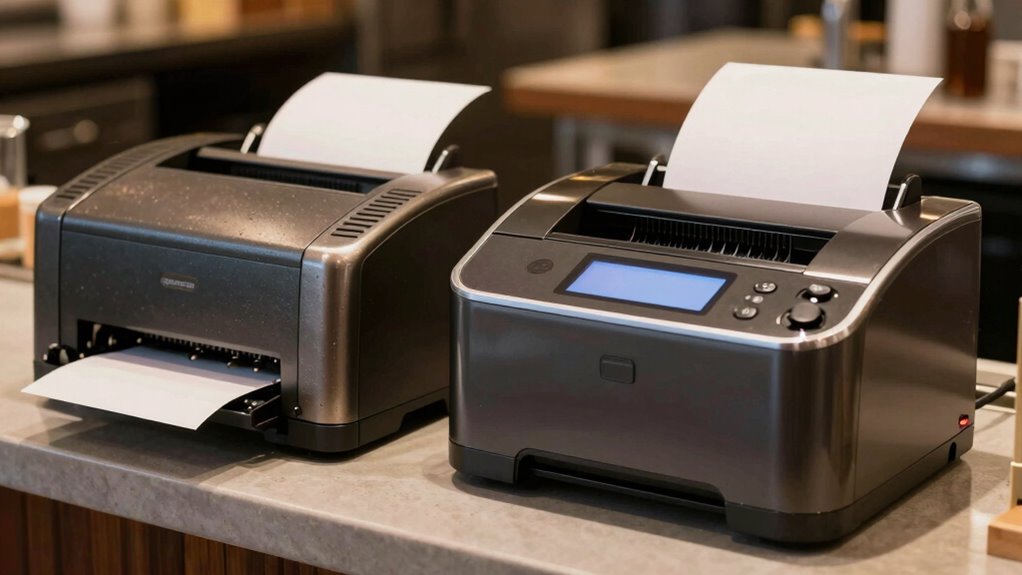
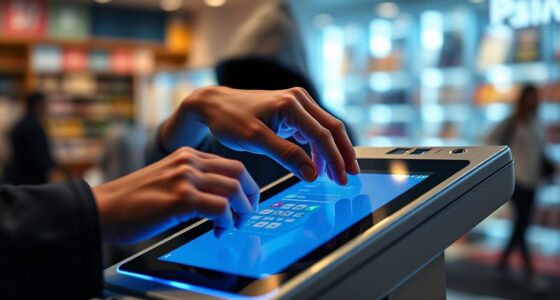
When choosing between kitchen receipt printers and front-counter printers, understanding their distinct roles can considerably improve your workflow. These printers serve different functions and are designed to meet specific needs within your operation. Recognizing these differences ensures smoother service, better order accuracy, and easier maintenance. Front-counter printers are your primary point of communication with customers. They’re built for speed and visibility, producing clear receipts that customers can easily read and keep. When orders are placed, the front-counter printer confirms the details immediately, helping your staff verify accuracy on the spot. This reduces errors and delays, ensuring customers receive the right dishes promptly. Since these printers are used in a high-traffic area, they need to be fast, reliable, and able to produce legible receipts under continuous use. Maintenance costs are a consideration here; since they operate frequently, choosing models with durable components can keep repair expenses manageable over time. Additionally, selecting printers with preventative maintenance features can further minimize downtime and repair costs.
Moreover, incorporating printers with robust construction can help withstand the physical demands of a busy front counter environment. In contrast, kitchen receipt printers handle the backend communication between your order management system and kitchen staff. They’re designed for durability and functionality rather than aesthetics or quick visibility to customers. These printers typically produce smaller, less visually detailed tickets that contain the order details for kitchen staff to prepare efficiently. Because they’re tucked away in a busy environment, they need to withstand heat, humidity, and constant use without frequent breakdowns. Investing in heavy-duty models can help minimize maintenance costs and ensure consistent performance. Proper placement of kitchen printers also helps streamline the flow of orders, reducing confusion and ensuring all dishes are prepared correctly and on time.
The difference between these printers goes beyond physical placement. It affects how accurately orders are communicated and how smoothly your operation runs. Using the right printer for each role helps prevent mistakes, minimizes delays, and enhances customer satisfaction. It’s also a matter of cost efficiency; front-counter printers should be economical to maintain because they’re used so often and need to be replaced or repaired quickly without disrupting service. Kitchen printers should be sturdy and reliable, reducing the need for frequent repairs that could slow down food prep or cause errors. When you understand these distinctions, you can make smarter choices that support your staff, improve order accuracy, and keep maintenance costs in check. Ultimately, selecting the right printers for each area aligns your workflow, boosts efficiency, and contributes to a better overall customer experience.
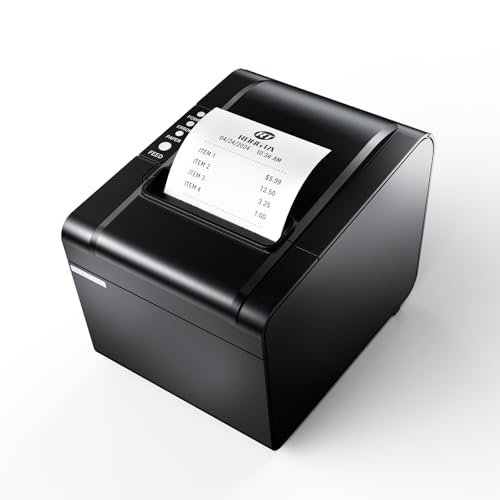
Rongta POS Printer, 80mm USB Thermal Receipt Printer, Restaurant Kitchen Printer with Auto Cutter Support Cash Drawer,USB Serial Ethernet Interface for Windows/Mac/Linux,Do Not Square (RP326)
【Fast Printing & Auto Cutter】The pos printer high efficiency with auto cutter and the fastest printing speed–250mm/sec. Easy…
As an affiliate, we earn on qualifying purchases.
As an affiliate, we earn on qualifying purchases.
Frequently Asked Questions
What Are the Cost Differences Between Kitchen and Front-Counter Printers?
Kitchen receipt printers typically cost less, often ranging from $100 to $300, because they’re simpler and designed for durability. Front-counter printers tend to be more expensive, from $200 to $500, due to their faster printing speeds and sleek designs. Your pricing strategies should consider customer preferences, as customers usually notice front-counter printers’ quality, while kitchens prioritize affordability and reliability for high-volume use.
How Do Maintenance Requirements Differ for Each Printer Type?
Imagine maintaining two different gardens: one needs daily watering, and the other weekly pruning. Similarly, kitchen printers require frequent maintenance schedules due to high heat and humidity, increasing consumable costs like ink and paper. Front-counter printers, exposed to less harsh conditions, need less frequent upkeep. You’ll find that kitchen printers demand more attention and higher ongoing costs, while front-counter models are more straightforward and cost-efficient over time.
Can One Printer Serve Both Kitchen and Front Counter Needs?
Yes, you can use a dual printer setup or integrated printing solutions to serve both kitchen and front counter needs. These systems streamline your workflow by allowing one device or connected printers to handle orders for both areas effectively. This setup reduces clutter, simplifies maintenance, and guarantees seamless communication between the kitchen and front counter, enhancing overall speed and accuracy in your restaurant operations.
What Security Features Are Available for Kitchen Receipt Printers?
Back in the day, security was simpler, but now your kitchen receipt printers have advanced options. You can implement encryption protocols to protect sensitive data and require user authentication for access. These features help prevent tampering and unauthorized use, ensuring your kitchen operations stay secure. By enabling encryption and authentication, you safeguard your business against data breaches and maintain compliance, giving you peace of mind in today’s fast-paced environment.
How Do Printer Sizes Impact Kitchen and Front-Counter Setups?
Printer sizes greatly impact your kitchen and front-counter setups. Smaller printers are ideal for tight spaces, offering better portability and ease of placement, but may compromise durability. Larger printers provide enhanced durability and sturdiness, essential for busy environments. Connectivity options, like Ethernet or Bluetooth, also influence size choices, ensuring seamless integration with your POS system. Picking the right size balances durability and connectivity, helping your setup run smoothly and efficiently.

Epson TM-T20IV Thermal Receipt Printer C31CL47022, USB Ethernet Serial, 310 mm/s, Auto Cutter, 80mm Paper, Energy Star, Reliable POS Printer for Retail, Restaurant, and Business Use
✅【High-Speed Thermal Printing Performance】– Print receipts lightning fast at up to 310 mm/s, delivering smoother transactions and shorter…
As an affiliate, we earn on qualifying purchases.
As an affiliate, we earn on qualifying purchases.
Conclusion
Choosing between kitchen receipt printers and front-counter printers is like picking the right tool for a job—you need each to shine in its own arena. Think of the kitchen printer as your reliable sous-chef, quietly handling orders behind the scenes, while the front-counter printer is your lively hostess, greeting customers with clear, quick receipts. By matching each printer to its role, you create a smooth, well-orchestrated dining experience that keeps your restaurant running seamlessly, like a symphony in perfect harmony.
Rongta POS Printer, 80mm USB Thermal Receipt Printer, Restaurant Kitchen Printer with Auto Cutter Support Cash Drawer,USB Serial Ethernet Interface for Windows/Mac/Linux,Do Not Square (RP326)
【Fast Printing & Auto Cutter】The pos printer high efficiency with auto cutter and the fastest printing speed–250mm/sec. Easy…
As an affiliate, we earn on qualifying purchases.
As an affiliate, we earn on qualifying purchases.
Rongta POS Printer, 80mm USB Thermal Receipt Printer, Restaurant Kitchen Printer with Auto Cutter Support Cash Drawer,USB Serial Ethernet Interface for Windows/Mac/Linux,Do Not Square (RP326)
【Fast Printing & Auto Cutter】The pos printer high efficiency with auto cutter and the fastest printing speed–250mm/sec. Easy…
As an affiliate, we earn on qualifying purchases.
As an affiliate, we earn on qualifying purchases.