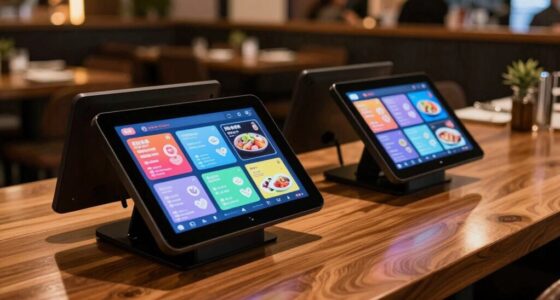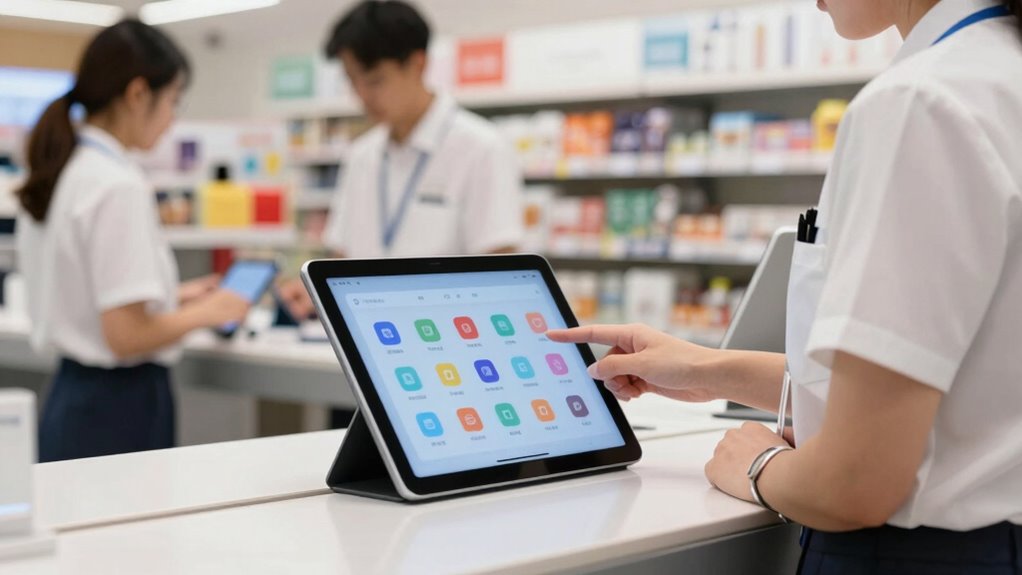

Managing retail staff tablets across multiple locations is easy with centralized control platforms. You can update content, apps, and permissions remotely, guaranteeing consistency everywhere. Real-time updates prevent errors and keep staff informed, while remote troubleshooting reduces downtime. You’ll also get insights into device health, making maintenance smoother. This setup streamlines operations and guarantees a unified customer experience. Keep exploring to discover more ways these tools can improve your store management.
Key Takeaways
- Centralized cloud-based management allows remote updates and monitoring across all store locations.
- Standardized content and device configurations ensure consistency and simplify troubleshooting.
- Automated updates and permissions reduce manual effort and minimize errors.
- Real-time device health monitoring prevents disruptions and streamlines maintenance.
- Integration of smart insights enables proactive issue prevention and operational alignment.
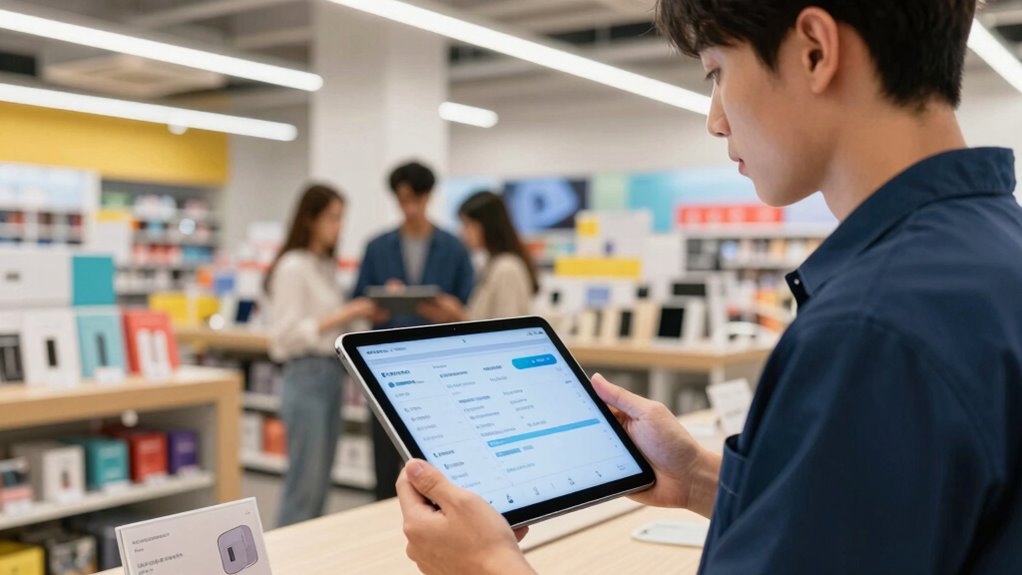
Managing multiple locations with tablets means you can standardize operations across all stores. Whether it’s updating product details, pricing, or promotional offers, you can push changes instantly and uniformly. This consistency reduces confusion among staff and prevents errors that often come with manual updates or paper-based methods. Additionally, many retail tablets come with centralized management platforms, allowing you to oversee device deployment, monitor usage, and troubleshoot remotely. This ease of management means you spend less time on technical issues and more on strategic tasks, like improving customer engagement strategies or analyzing sales data.
The portability of tablets also empowers your staff to serve customers more effectively. Instead of being tied to a fixed register or desktop, employees can walk the sales floor, offering personalized service and real-time product recommendations. This mobility enhances customer engagement by creating a more interactive, responsive shopping environment. Plus, staff can easily access detailed product information, customer purchase histories, and inventory data on the spot, making every interaction more meaningful. When customers see knowledgeable staff who can quickly find what they need and provide tailored advice, it boosts their confidence in your store and encourages repeat visits. The Content management solutions further enhance efficiency by simplifying updates and control.
Furthermore, managing retail staff tablets across multiple locations isn’t as complicated as it might seem. Cloud-based management solutions allow you to update content, apps, and permissions centrally, ensuring consistency while respecting local needs. The ability to remotely monitor device health and usage also reduces downtime and technical disruptions. This device management capability further simplifies troubleshooting and maintenance. With these tools, you can streamline training, ensure all employees are using the same tools effectively, and keep your operations aligned across all your stores. Additionally, implementing effective content strategies can help ensure that your messaging remains consistent and engaging across all locations. The integration of smart technology in managing these devices also offers predictive insights that can help prevent issues before they impact operations. Overall, retail staff tablets make multi-location management more straightforward, enabling you to deliver a seamless, engaging customer experience everywhere your stores operate.

Inventory Clerk Sign, Stock Control Staff, Warehouse & Retail Asset Management Aluminum Size: 4 x 16 inches
Decorated 4" X 16" aluminum sign. Sturdy and durable rust-free aluminum material.
As an affiliate, we earn on qualifying purchases.
As an affiliate, we earn on qualifying purchases.
Frequently Asked Questions
How Secure Are Retail Staff Tablets From Cyber Threats?
Retail staff tablets are quite secure against cyber threats when you implement strong cybersecurity protocols and data encryption. You should regularly update software, use strong passwords, and enable remote wipe features to protect sensitive information. By actively managing these security measures, you reduce vulnerabilities, ensuring your tablets stay protected across multiple locations. Staying vigilant and adopting best practices helps prevent breaches and keeps customer and company data safe.
What Is the Average Lifespan of a Retail Staff Tablet?
The average lifespan of a retail staff tablet is typically 3 to 5 years. You can extend this by choosing devices with high device durability, which resist drops and daily wear, and ensuring good battery longevity through regular charging and maintenance. Proper handling and updates also help maximize the tablet’s performance over time, allowing your staff to rely on them longer and reducing replacement costs.
Can Staff Customize Tablets for Different Store Roles?
Yes, staff can customize tablets for different store roles through role-specific customization and user interface personalization. You can tailor the layout, applications, and permissions based on each role, making tasks more efficient. This flexibility helps staff access relevant tools quickly and reduces confusion. By implementing these features, you guarantee that each employee has a streamlined, personalized experience that enhances productivity across all store locations.
How Do Tablets Handle Connectivity Issues Across Locations?
When connectivity hiccups happen, your tablets gently shift to offline functionality, ensuring your staff keeps working seamlessly. Store synchronization kicks in once the network stabilizes, effortlessly updating data across all locations. This smooth handover minimizes disruptions, letting your team focus on their tasks without worry. With these features, managing retail staff tablets across multiple stores becomes a hassle-free experience, maintaining productivity regardless of connectivity fluctuations.
What Training Is Needed for Staff to Use Tablets Effectively?
You need to implement thorough training programs to boost staff proficiency with tablets. Start with hands-on sessions that cover basic functions, troubleshooting, and security features. Regular refresher courses help staff stay updated on new features or software updates. Providing easy-to-follow guides or videos can reinforce learning. This approach guarantees your team becomes confident and efficient in using tablets, leading to smoother operations across all locations.

Augmented Reality Development with AR Core: Create Immersive AR Experiences for Android Devices Using Google's AR Core
As an affiliate, we earn on qualifying purchases.
As an affiliate, we earn on qualifying purchases.
Conclusion
Managing retail staff tablets across locations is like tending a well-organized garden—you need the right tools, consistent care, and a clear plan to keep everything thriving. When you streamline updates, monitor usage, and guarantee seamless connectivity, your tablets become the roots supporting your entire operation. With proper management, you’ll find your retail landscape flourishing, adaptable, and resilient—empowering your team to grow and succeed no matter where they are.

Zebra Symbol LI4278 Wireless Bluetooth Barcode Scanner with Cradle and USB Cables,Black
barcode scanner
As an affiliate, we earn on qualifying purchases.
As an affiliate, we earn on qualifying purchases.

AboveTEK Retail Kiosk iPad Stand, 360° Rotating Commercial POS Tablet Stand, Fits 6"-13" (Screens) iPad mini Pro-Business Swivel Tablet Holder, for Store Office Reception Kitchen Desktop (Black)
Highly flexible – The 360° rotatable base and tablet bracket holder combined with a folding arm offer unparalleled…
As an affiliate, we earn on qualifying purchases.
As an affiliate, we earn on qualifying purchases.