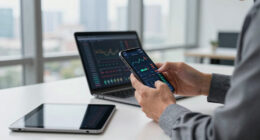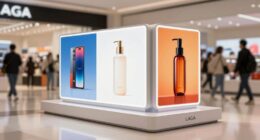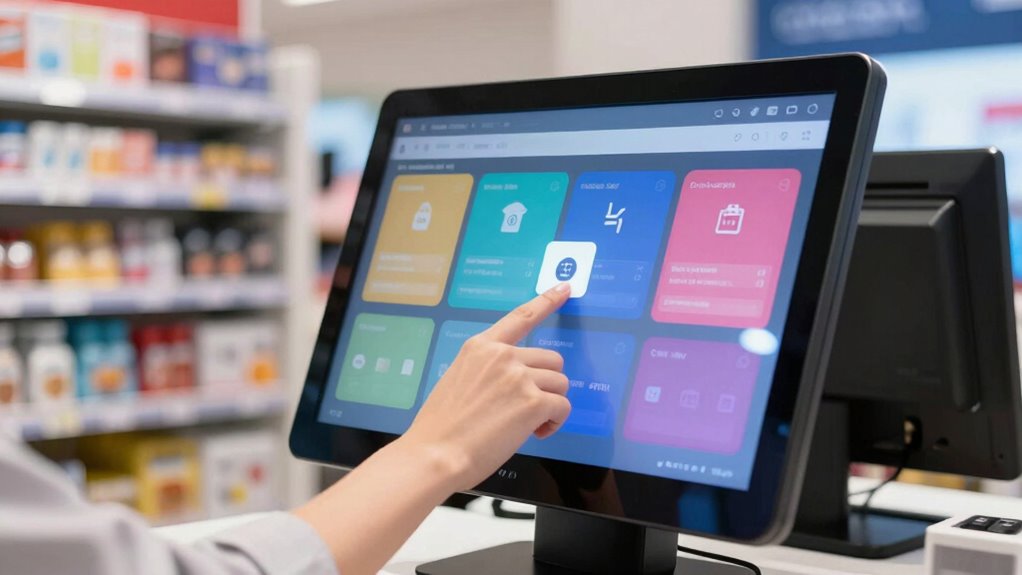

Touchscreen monitors for POS stations streamline your daily operations, making transactions faster and more accurate. They improve customer engagement with easy navigation, multimedia content, and promotional displays. Staff can handle complex functions quickly thanks to intuitive interfaces, reducing wait times and boosting satisfaction. These durable screens require less maintenance and support contactless payments for a seamless checkout. If you want to discover more about transforming your retail space, keep exploring how these solutions can work for you.
Key Takeaways
- Enhance operational efficiency by enabling real-time data access and seamless system integration.
- Improve customer engagement with intuitive, customizable, and multimedia-capable interfaces.
- Speed up transactions and reduce wait times through user-friendly, quick-to-operate touchscreens.
- Support diverse payment options, including contactless and mobile payments, for faster checkouts.
- Increase durability and sustainability, reducing maintenance costs and ensuring long-term reliable performance.
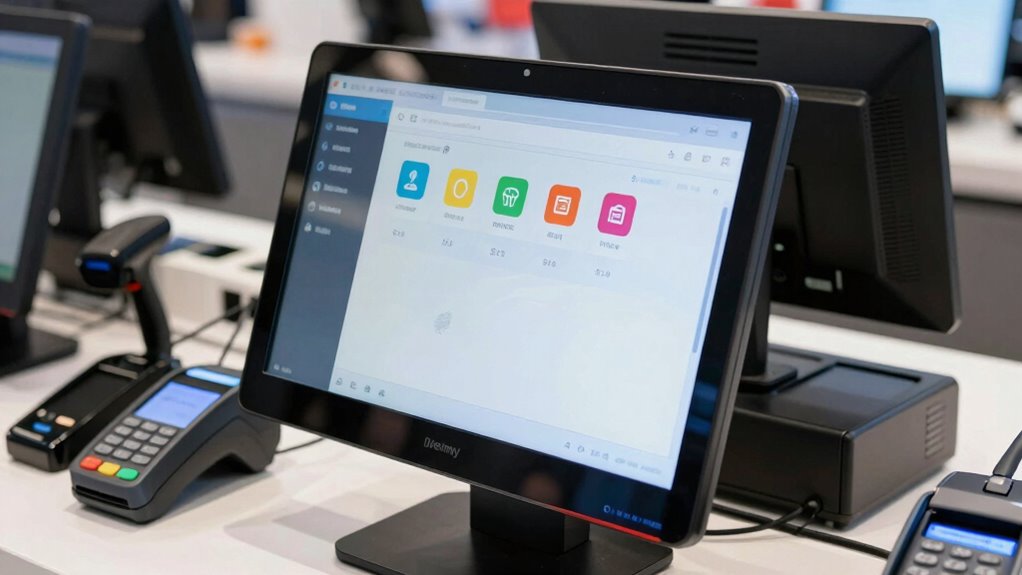
Touchscreen monitors have become essential components of modern POS stations, offering a seamless and efficient way to process transactions. When you incorporate these monitors into your setup, you streamline retail operations by enabling better retail integration. This means you can connect sales data directly with inventory management, accounting, and customer relationship systems, reducing errors and saving time. With just a few taps, you access real-time information, adjust stock levels, and generate reports on demand. This integration helps you stay organized and responsive, making daily tasks more manageable and less prone to mistakes.
Streamline retail operations with touchscreen monitors for seamless data integration and real-time management.
But beyond operational efficiency, touchscreen monitors markedly enhance customer engagement. When customers see a clear, easy-to-navigate display, they feel more involved in the transaction process. You can customize the interface to show promotional messages, loyalty program offers, or product details, creating a more interactive shopping experience. This direct engagement encourages customers to spend more time at your station, ultimately increasing sales. Plus, modern touchscreens often support multimedia content, enabling you to showcase videos or images that promote special deals, new arrivals, or brand stories.
The intuitive nature of touchscreen interfaces means you and your staff can quickly learn to use them, reducing training time and boosting productivity. As a result, your team can serve customers faster, minimize wait times, and improve overall satisfaction. The user-friendly design also makes it easier to handle complex transactions or manage multiple functions simultaneously, like processing payments, applying discounts, or printing receipts—all at the tap of a finger. Additionally, touchscreen monitors often feature durable screens and intuitive interfaces that withstand daily use in busy retail environments, ensuring long-term reliability. Incorporating user-friendly interfaces can further optimize staff workflow and minimize operational hiccups. In addition, integrating smart technology can further enhance the efficiency and adaptability of your POS systems, making your business more agile in a competitive marketplace. Moreover, choosing durable screens ensures longevity and reduces maintenance costs, which is vital in high-traffic areas.
Furthermore, touchscreen monitors support various payment options, including contactless and mobile payments, which are increasingly preferred by customers. This flexibility not only speeds up the checkout process but also appeals to tech-savvy shoppers, positioning your business as modern and customer-focused. The ability to accept multiple payment methods seamlessly integrates into your retail operation, further elevating the shopping experience. Additionally, leveraging biodiversity by adopting innovative technology demonstrates your commitment to sustainable practices, resonating with environmentally conscious consumers.

ANGEL POS 15-Inch 4:3 Capacitive LED Backlit Multi-Touch Monitor, True Flat Seamless Design Touchscreen with Metal POS Stand, for Office, POS, Retail, Restaurant, Bar, Gym, Warehouse
✔【 Seamless flat touch screen design】- Unlike home-use monitors designed for occasional personal use, the seamless construction enhances…
As an affiliate, we earn on qualifying purchases.
As an affiliate, we earn on qualifying purchases.
Frequently Asked Questions
How Durable Are Touchscreen Monitors in High-Traffic Environments?
Touchscreen monitors in high-traffic environments are quite durable if you add a screen protector, which guards against scratches and smudges. Their impact resistance varies, but many models are built to withstand frequent use and accidental bumps. Regular maintenance and protective accessories help prolong their lifespan, ensuring they keep functioning smoothly despite the hustle. So, with proper care, these monitors can handle demanding settings effectively.
What Maintenance Is Required for Touchscreen POS Monitors?
Your touchscreen POS monitor needs minimal maintenance—just regular cleaning routines and occasional screen calibration. You’ll want to wipe the screen daily with a soft, lint-free cloth to remove fingerprints and dirt, preventing smudges from turning it into a virtual mirror. Calibration might be needed if the touch isn’t precise, but this process is quick and simple. Keep up with these routines, and your monitor will stay responsive and crystal clear, forever ready for action.
Are Touchscreen Monitors Compatible With All POS Software?
Touchscreen monitors aren’t compatible with all POS software, so you need to check software compatibility before purchasing. You also have to take into account operating system requirements, as some POS systems only run on specific platforms like Windows or Android. Make sure the monitor supports the software you plan to use, and verify that your existing system meets the necessary specifications. This guarantees smooth operation and prevents compatibility issues down the line.
How Do Touchscreen Monitors Impact Employee Training Time?
Touchscreen monitors improve employee training efficiency by offering an intuitive user experience, making it easier for new staff to learn POS systems quickly. With familiar, easy-to-navigate interfaces, employees spend less time on training and more on actual tasks. This smooth, user-friendly design reduces errors and boosts confidence, ultimately streamlining the onboarding process and enhancing overall operational productivity from the start.
What Are the Cost Differences Between Touchscreen and Traditional Monitors?
You might be surprised by the pricing comparison between touchscreen and traditional monitors. While touchscreen technology has historically been pricier, recent advancements have narrowed the gap considerably. As technology progresses, touchscreen monitors become more affordable, offering features that traditional screens can’t match. So, if you’re weighing costs, remember that investing a bit more upfront could yield long-term benefits, with modern tech making touchscreens a smarter, cost-effective choice.

ViewSonic TD2423D 24 Inch 1080p Touch Screen Monitor, 10-Point Multi IR Touch for Retail POS and Kiosk, 7H Scratch-Resistant Glass, Eye Care, 100x100mm VESA Compatible, HDMI, VGA, DisplayPort, USB Hub
VERSATILE TOUCH MONITOR: 24 Inch Full HD (1920x1080p) LED touch monitor with 75Hz refresh rate.Specific uses for product…
As an affiliate, we earn on qualifying purchases.
As an affiliate, we earn on qualifying purchases.
Conclusion
Switching to touchscreen monitors for your POS station transforms your daily routine from a tangled web into a smooth, well-oiled machine. They streamline operations, boost efficiency, and make interactions feel more intuitive — like having a helpful guide right at your fingertips. Embrace this change, and you’ll find your workflow flowing as effortlessly as a calm river. Ultimately, touchscreen monitors are not just tools but partners in making your business run smarter and faster every day.

Prechen 21.5 Inch Portable Touchscreen Monitor, 1080P Computer Touch Screen w/VESA Stand Touch PC Display, 75Hz, Multi-Touch Monitor, DC HDMI & USBC for Phones PC Phone Business,Black
Important Setup & Compatibility Notes (to ensure best performance): Due to relatively high power consumption from the advanced…
As an affiliate, we earn on qualifying purchases.
As an affiliate, we earn on qualifying purchases.
ANGEL POS 15-Inch 4:3 Capacitive LED Backlit Multi-Touch Monitor, True Flat Seamless Design Touchscreen with Metal POS Stand, for Office, POS, Retail, Restaurant, Bar, Gym, Warehouse
✔【 Seamless flat touch screen design】- Unlike home-use monitors designed for occasional personal use, the seamless construction enhances…
As an affiliate, we earn on qualifying purchases.
As an affiliate, we earn on qualifying purchases.