Protecting your iPad POS setup with locking enclosures is essential to prevent theft, damage, and tampering in busy retail and hospitality settings. Physical security guarantees your devices stay in place during peak hours and customer interactions, maintaining a professional appearance. It also reduces repair costs and builds trust with your customers. Combining these safeguards with wireless flexibility enhances your operations. Stay with us to discover how these security measures can keep your business running smoothly.
Key Takeaways
- Physical security prevents theft, tampering, and damage to iPad POS devices in busy retail and hospitality environments.
- Locking enclosures ensure devices stay secure during high-traffic periods and customer interactions.
- Combining physical locks with wireless access offers flexibility and convenience without compromising security.
- Customizable enclosures improve device protection and enhance the customer experience with optimal positioning.
- Maintaining physical security safeguards POS system integrity, reduces costs, and supports reliable business operations.
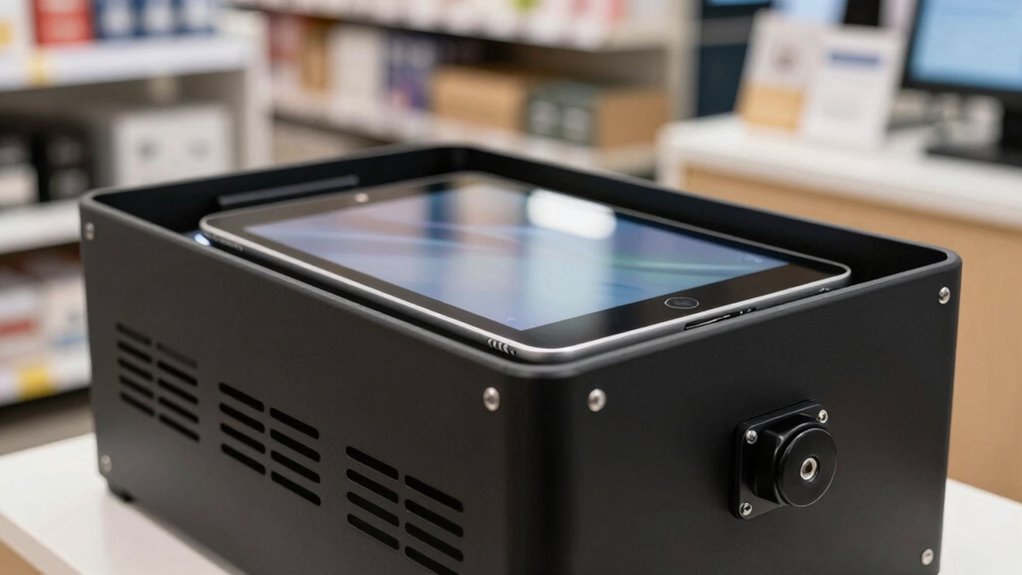
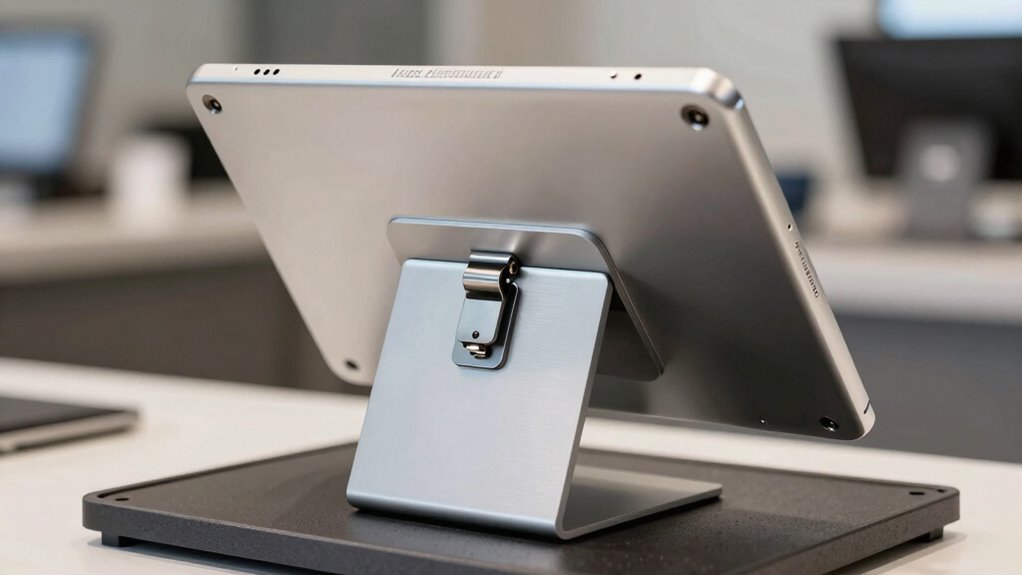
In retail and hospitality environments, securing your iPad POS setup is essential to prevent theft and accidental damage. While sleek, modern technology offers seamless wireless integration, it doesn’t eliminate the need for physical security. Locking enclosures serve as a vital safeguard, protecting your device from both malicious intent and everyday mishaps. By physically securing your iPad, you not only reduce the risk of costly replacements but also maintain a professional appearance that reassures customers. When customers see a sturdy enclosure, they understand that you prioritize security and reliability, which builds trust and confidence in your services.
Wireless integration is a game-changer, allowing you to operate your POS system from anywhere within your venue. However, this convenience shouldn’t come at the expense of safety. Locking enclosures ensure that your iPad stays in place, even during busy hours when accidental bumps or quick customer interactions could knock it off a countertop. They also prevent tampering, which is especially important in high-traffic areas where theft is more likely. Additionally, physical security measures like locking enclosures are crucial for maintaining consistent and reliable service. A comprehensive security strategy, which includes physical safeguards, helps mitigate potential vulnerabilities and ensures your business runs smoothly. Incorporating physical security into your overall plan can also deter potential thieves before they attempt any tampering. Moreover, selecting enclosures with robust locking mechanisms enhances overall security by making unauthorized access even more difficult.
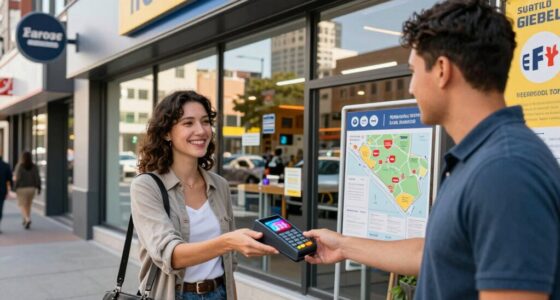
Customer engagement often involves interactive screens that invite customers to browse menus, place orders, or make payments. A secure enclosure allows you to position your iPad at optimal angles for these interactions, without worrying about accidental drops or damage. You can confidently encourage customers to engage with the screen, knowing it’s protected by a robust lock. This not only enhances the user experience but also demonstrates your commitment to quality and security. The enclosure becomes part of your overall customer service strategy, making the interactions more seamless and professional.
Moreover, locking enclosures are versatile and customizable, fitting different environments and design aesthetics. Whether you operate a cafe, retail shop, or restaurant, you can choose a locking solution that complements your decor while providing maximum protection. The added security also minimizes downtime, as you won’t need to replace or repair damaged devices frequently. Over time, this translates into cost savings and a more reliable point-of-sale experience.
Ultimately, physical security through locking enclosures isn’t just about preventing theft — it’s about reinforcing the integrity of your entire POS system. In an era where convenience and engagement are king, you want your technology to perform flawlessly, backed by solid physical safeguards. This combination of wireless integration and physical security ensures your iPad remains a reliable, secure, and customer-friendly asset in your business.
As an affiliate, we earn on qualifying purchases.
Frequently Asked Questions
Are Locking Enclosures Compatible With All iPad Models?
Locking enclosures aren’t universally compatible with all iPad models. You need to take into account model-specific features and dimensions for a proper fit. Some enclosures are designed for popular models like the iPad Pro or iPad Air, providing universal compatibility within those categories. Always check the enclosure’s specifications to ensure it matches your iPad’s size and features, so you get a secure, snug fit that protects your device effectively.
How Do Locking Enclosures Affect iPad Heat Dissipation?
Locking enclosures can impact your iPad’s heat dissipation by limiting airflow and affecting thermal management. They sometimes trap heat, so it’s essential to choose enclosures with airflow optimization features, like vents or open designs. By ensuring proper airflow, you prevent overheating and maintain performance. Regularly monitor your device’s temperature, especially during intensive use, to keep your iPad running smoothly and securely within the enclosure.
Can Locking Enclosures Be Customized for Branding Purposes?
Yes, locking enclosures can be customized for branding purposes. You can choose from various branding options and aesthetic customization features, such as logos, colors, and finishes, to match your business’s branding. This allows you to create a cohesive look that enhances your store’s aesthetic appeal while maintaining security. Customization options enable you to showcase your brand identity effectively, making your POS setup both secure and visually appealing.
What Maintenance Is Required for Locking Enclosures?
You need to regularly clean your locking enclosure using gentle cleaning protocols to keep it in good condition and prevent dust buildup. Check for any signs of damage or wear and follow proper replacement procedures if parts become broken or worn out. This guarantees your iPad remains secure and functional. Routine maintenance helps extend the enclosure’s lifespan and maintains a professional appearance, keeping your POS setup running smoothly.
Are Locking Enclosures Resistant to Tampering or Forced Entry?
Locking enclosures are designed to resist tampering and forced entry, but no security measure is entirely foolproof. They incorporate tampering prevention features like sturdy locks and reinforced materials to minimize security vulnerabilities. However, a determined intruder might still find ways to bypass them. That’s why it’s essential to combine locking enclosures with other security practices, ensuring thorough protection against theft or vandalism in your POS setup.
As an affiliate, we earn on qualifying purchases.
Conclusion
Sure, here’s a satirical yet concise conclusion for your article:
So, next time you think about skipping that locking enclosure, remember—you’re just asking for a theft cameo. Why leave your pricey iPad vulnerable to the whims of sneaky fingers and opportunistic eyes? After all, a little security doesn’t just protect your device; it saves your sanity. Because in the end, isn’t it way more fun to run a business without constantly worrying about iPad heists? Stay safe, lock up!
As an affiliate, we earn on qualifying purchases.
As an affiliate, we earn on qualifying purchases.