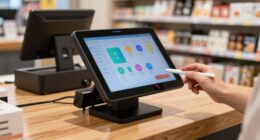
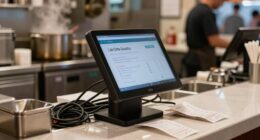
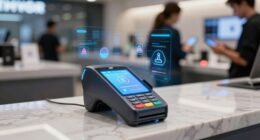
To choose the best POS system for your retail business, focus on features like real-time inventory updates, sales trend tracking, and simplified reordering to keep operations smooth. Prioritize user-friendly interfaces that work well with your existing hardware and support integration with your accounting and e-commerce platforms. Consider your budget and future growth plans to select scalable solutions. If you want to find the perfect fit, exploring the key steps can guide your decision-making process.
Key Takeaways
- Assess inventory management needs, including real-time updates, tracking sales trends, and reordering capabilities.
- Prioritize customer engagement features like loyalty programs, personalized marketing, and quick checkout options.
- Ensure the POS system is user-friendly, compatible with existing hardware, and integrates smoothly with accounting and e-commerce tools.
- Consider budget constraints and choose scalable solutions that support future growth and increased transaction volume.
- Evaluate system reliability, ease of use, and support options to maintain seamless daily operations and operational efficiency.
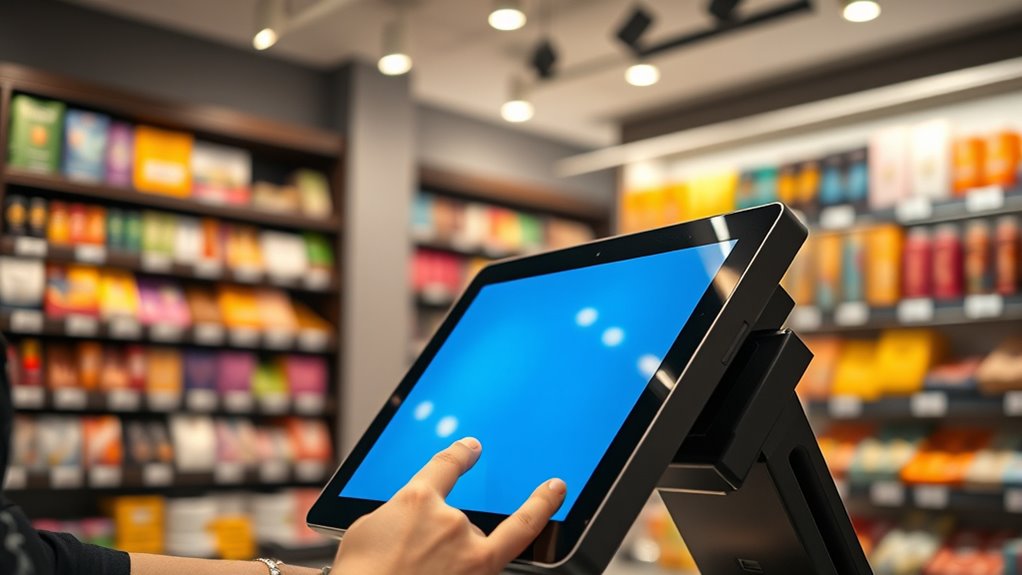
Are you overwhelmed by the countless POS systems available and unsure which one is right for your business? With so many options on the market, it’s easy to feel lost in a sea of features and pricing plans. But narrowing down your choices begins with understanding your specific needs, especially when it comes to inventory management and customer engagement. A good POS system should streamline your operations, enhance customer experience, and support your growth.
Start by considering how well a POS manages your inventory. You want a system that provides real-time updates on stock levels, helps you track sales trends, and simplifies reordering. If you run a retail store with a diverse product range, look for a POS that offers robust inventory management tools. These features allow you to avoid stockouts, reduce excess inventory, and make smarter purchasing decisions. When your inventory is accurately tracked and easily accessible, you can serve customers faster and with confidence, knowing you have what they need in stock.
Customer engagement is equally essential. The right POS system should enable you to build stronger relationships with your patrons. Look for features like loyalty programs, personalized marketing, and quick checkout options. These tools help you collect customer data, understand buying patterns, and communicate effectively. A system that fosters customer engagement doesn’t just make transactions smoother; it transforms one-time buyers into loyal patrons who keep coming back. If your goal is to grow your customer base and increase repeat sales, prioritize POS software that emphasizes these engagement features.
Another critical factor is ease of use. You don’t want to spend hours training staff or troubleshooting complex systems. A user-friendly interface ensures smooth daily operations and minimizes errors. Compatibility with your existing hardware and integration with other tools, such as accounting software or e-commerce platforms, is also essential. Seamless integration saves time and reduces manual data entry, so you can focus more on your customers rather than technical issues.
Finally, consider your budget and future growth plans. While it might be tempting to opt for the cheapest option, investing in a system that scales with your business can save you money and headaches down the line. Look for flexible pricing models, reliable customer support, and regular updates that keep your system secure and current. Incorporating vertical storage solutions into your retail space can further optimize your layout and improve overall efficiency.
Top picks for "choose system retail"
Open Amazon search results for this keyword.
As an affiliate, we earn on qualifying purchases.
Frequently Asked Questions
How Much Should I Budget for a POS System?
You should budget around $1,200 to $2,500 for a reliable POS system, but it varies based on your needs. Consider pricing strategies like subscription plans, one-time purchases, or tiered options. Incorporate budget planning by factoring in hardware costs, software fees, and ongoing maintenance. Don’t forget to compare features and support, ensuring you get the best value without overspending. Tailor your budget to your retail business size and growth plans.
Can I Upgrade My POS System Later?
Yes, you can upgrade your POS system later. Many systems offer hardware flexibility, allowing you to add or replace components as needed. Additionally, software updates guarantee your POS stays current with new features and security improvements. This flexibility helps you adapt to your business growth without overhauling your entire setup, making upgrades seamless and cost-effective. Just check if your POS provider supports future upgrades before purchasing.
Is My Data Protected With the POS System?
Did you know that 70% of data breaches involve weak passwords or poor security? Your POS system keeps your data protected through data encryption and user access controls. It guarantees sensitive information stays safe from cyber threats. Regularly update passwords and limit user access to essential functions. By doing so, you markedly reduce the risk of data theft and keep your retail business secure.
How Long Does Installation and Setup Take?
The installation timeline and setup process vary depending on your POS system choice, but typically, it takes anywhere from a few hours to a couple of days. You’ll need to connect hardware, configure settings, and train staff. Most providers offer quick onboarding, so you can start using your system promptly. Your vendor’s support team guides you through each step, ensuring a smooth setup process with minimal downtime.
Does the POS System Integrate With Accounting Software?
Imagine your POS system as a busy junction where inventory management and customer relationships converge seamlessly. Yes, many POS systems integrate effortlessly with accounting software, creating a smooth flow of sales data. This integration helps you track inventory, manage customer info, and handle financial reports without juggling multiple platforms. With this connection, you gain real-time insights, streamline operations, and boost your retail business’s efficiency—making your daily tasks feel less like a maze.
Conclusion
Choosing the right POS system isn’t just about features or price—it’s about finding a tool that grows with your business. While a cheap system might save money now, it could cost you sales later. Conversely, investing in a robust system might seem costly upfront but pays off through smoother operations and happier customers. Remember, your POS is the heartbeat of your retail store—pick one that beats reliably and keeps your business thriving.