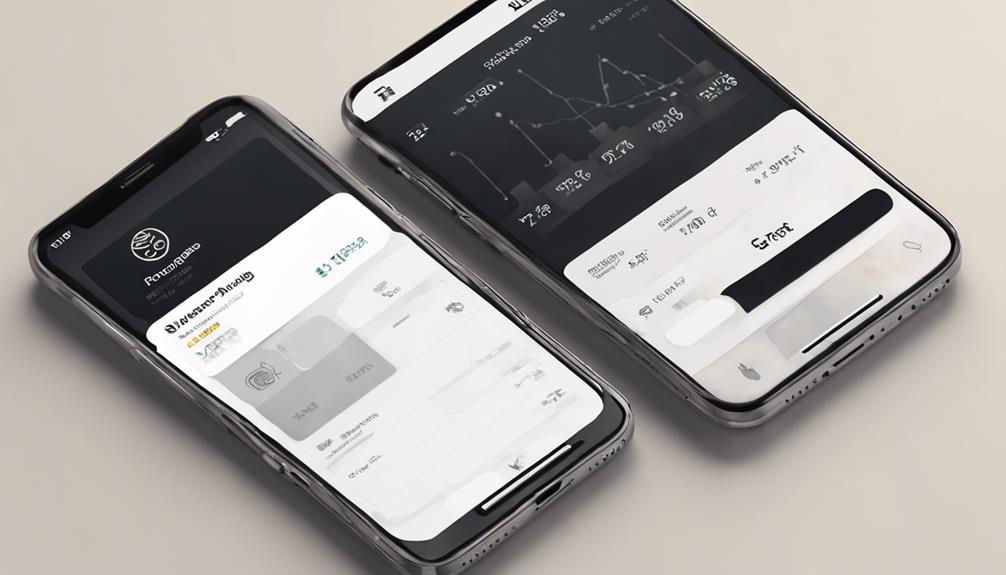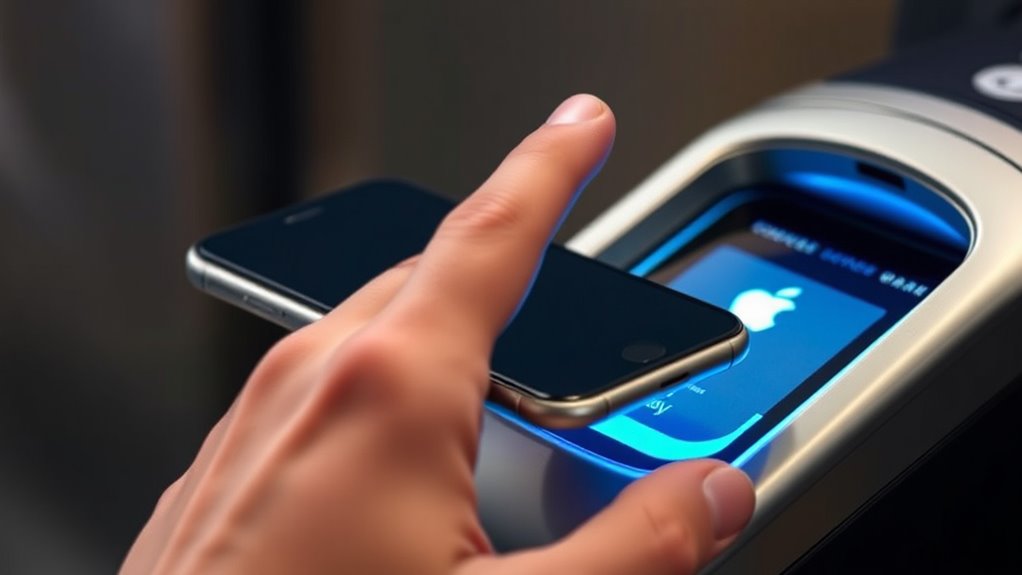

When you use Apple Pay, your device creates a unique, encrypted token instead of sharing your real card details. This token is stored securely in the Secure Element on your device. You verify the payment with Face ID, Touch ID, or your passcode. Then, the device transmits the token and a one-time dynamic security code securely to the payment terminal. If you want to understand the detailed steps behind this process, keep exploring how Apple Pay keeps your information safe from start to finish.
Key Takeaways
- When you initiate a payment, Apple Pay creates a unique, encrypted token representing your card instead of transmitting actual card details.
- The device authenticates the transaction using Face ID, Touch ID, or a passcode for security.
- The encrypted token is securely stored in the device’s Secure Element and transmitted via encrypted channels to the payment terminal.
- The merchant’s terminal communicates with payment networks to authorize the transaction using the token, not your real card info.
- Upon approval, the transaction is completed seamlessly, ensuring your actual card details remain private and protected throughout the process.
Have you ever wondered how Apple Pay transactions work smoothly and securely? When you use Apple Pay at a store or online, you’re tapping into a system designed to make payments quick, safe, and convenient. But understanding what happens behind the scenes can help ease any concerns about security or merchant acceptance.
First, security concerns are a common worry when it comes to digital payments. Apple Pay addresses this by not storing your actual card numbers on your device or on Apple servers. Instead, it creates a unique, encrypted device account number, called a token, which is stored securely within your device’s Secure Element. When you make a purchase, this token is used instead of your card number, ensuring your real information stays private. Additionally, every transaction requires authentication through Face ID, Touch ID, or a passcode, adding an extra layer of security. This means that even if someone else has your phone, they can’t complete a purchase without your biometric or passcode verification. Plus, because your card details are never transmitted during the transaction, the risk of data theft is greatly minimized. These measures work together to keep your financial information safe from cyber threats and fraud. Moreover, the use of encryption technology ensures that your transaction data remains secure during communication between your device and the payment terminal.
Apple Pay keeps your card details private with encryption and biometric security, making digital payments safe and secure.
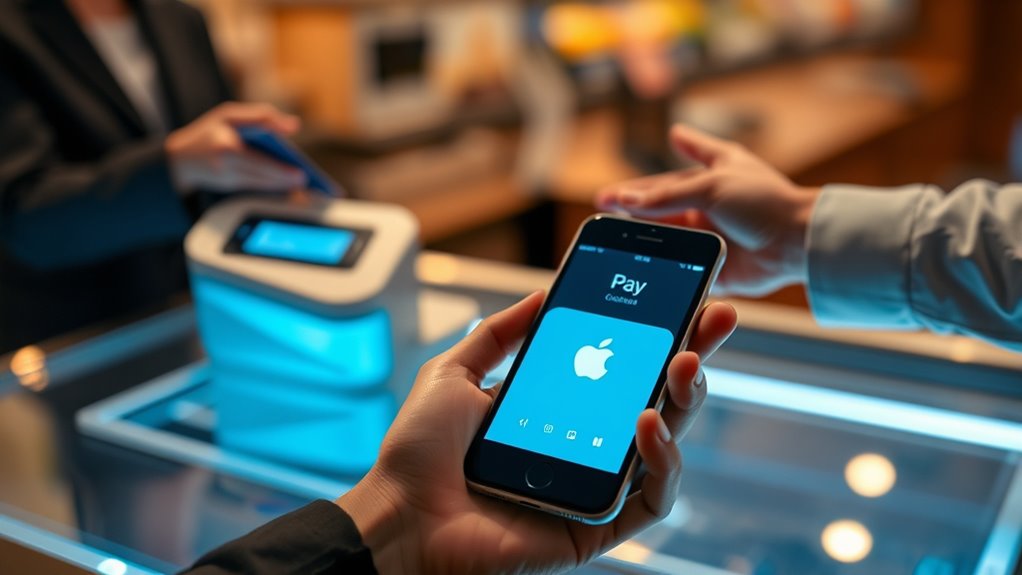
Another aspect to take into account is merchant acceptance. You might wonder whether all stores and online shops support Apple Pay. The good news is that Apple Pay has gained widespread acceptance, especially in major retail chains, restaurants, and online platforms. Most merchants equipped with contactless payment terminals accept Apple Pay, making it easy to use at many locations. When you approach the checkout, you simply hold your iPhone or Apple Watch near the contactless reader. The device communicates securely with the terminal, completing the transaction swiftly. For online shopping, you can choose Apple Pay as a payment option, which auto-fills your billing details and shipping address, streamlining the checkout process. While some small or less tech-savvy merchants might not yet support Apple Pay, the growing adoption rate continues to expand its reach. This widespread acceptance means you can rely on Apple Pay for most of your daily transactions, reducing the need to carry physical cards or cash.
In essence, Apple Pay’s design prioritizes your security and makes sure that acceptance keeps pace with your needs. It combines advanced encryption and biometric verification to safeguard your financial data, while its expanding merchant acceptance ensures you can pay quickly and conveniently almost everywhere you go. So, the next time you tap your iPhone or Apple Watch to pay, you can feel confident that the process is secure, seamless, and ready to serve your busy lifestyle.
Top picks for "transaction happen apple"
Open Amazon search results for this keyword.
As an affiliate, we earn on qualifying purchases.
Frequently Asked Questions
Is Apple Pay Secure for Online Purchases?
Yes, Apple Pay is secure for online purchases. When you use this digital wallet, your transaction security is prioritized with advanced encryption and tokenization, so your card details aren’t shared with merchants. You authenticate each purchase with Face ID, Touch ID, or your passcode, adding an extra layer of security. This way, you can shop online confidently, knowing your information stays protected throughout every transaction.
Can I Use Apple Pay Internationally?
You can absolutely use Apple Pay internationally, as over 85 countries support it. When you make international transactions, Apple Pay handles currency conversion seamlessly, so you don’t need to worry about exchanging cash or finding specific cards. Just make certain your bank or card issuer allows international use. It’s a secure, convenient way to pay abroad, keeping your transactions protected with the same high security standards you trust at home.
What Should I Do if My Apple Pay Is Declined?
If your Apple Pay gets declined, first check for security concerns like suspicious activity or account restrictions. Then, try troubleshooting tips such as verifying your card details, ensuring your device has a stable internet connection, or updating your Apple Wallet app. You might also want to contact your bank or Apple Support for further assistance. These steps can help you resolve the issue quickly and confidently.
How Do I Add Multiple Cards to Apple Pay?
Adding cards to Apple Pay is as easy as pie, and it’ll change your life! Simply open the Wallet app, tap the plus sign, and follow the prompts to add multiple cards. You can manage your wallets effortlessly by selecting which card to use for payments. Keep adding and organizing your cards, so you’re always ready to tap and pay with confidence anytime, anywhere.
Does Apple Pay Work Without an Internet Connection?
Yes, Apple Pay can work without an internet connection for offline transactions. When you make a purchase, the device uses tokenization and your stored card info for secure offline payments, provided your card is compatible. You can complete transactions at supported terminals even if you’re offline. Just make sure your device has recent transaction data and your card is compatible, so you don’t run into issues during offline transactions.
Conclusion
Now that you know how Apple Pay works, it’s clear how seamless and secure your payments are. Did you know that over 85% of iPhone users have adopted Apple Pay? That shows just how much people trust and rely on this technology. Every tap and transaction is designed to protect your information while making shopping faster. So next time you pay with Apple Pay, remember you’re part of a growing, secure payment revolution.