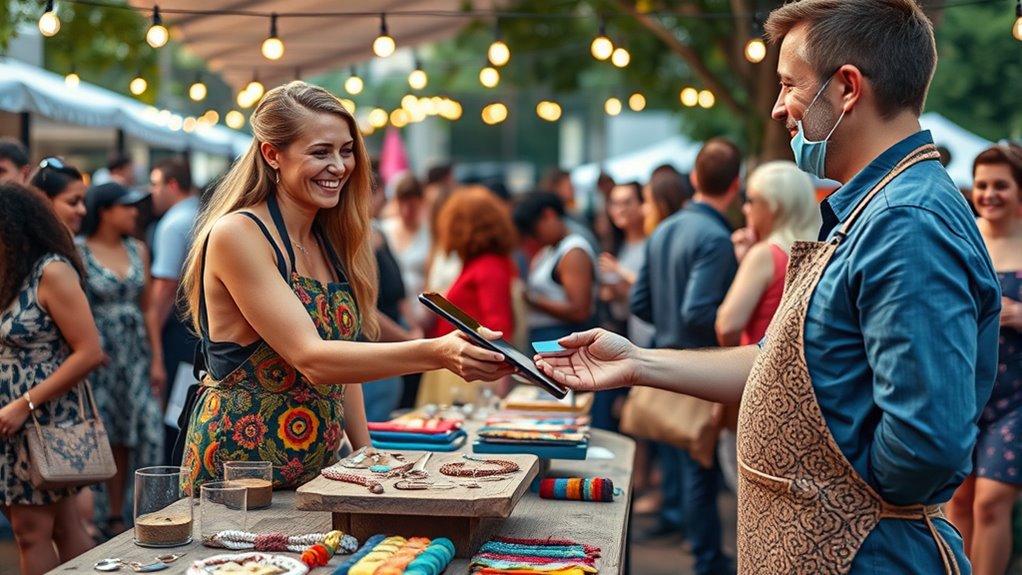

To accept payments at events and pop-up shops, start by setting up mobile payment options like Apple Pay, Google Pay, or dedicated POS apps to keep transactions quick and secure. Encourage customers to use digital payments to reduce cash handling and minimize errors. Keep cash handling organized with secure cash boxes and clear procedures, and assign staff to manage cash if needed. For more tips on streamlining your sales process, keep exploring.

Get smart everyday buys delivered free with Prime
- Fast, free delivery on millions of items
- Prime Video, Amazon Music and more included
- Member-only deals all year
Key Takeaways
- Implement mobile payment solutions like Apple Pay, Google Pay, or dedicated POS apps for quick transactions.
- Use secure cash boxes and assign staff for cash handling if cash payments are necessary.
- Automate transaction records and reconcile cash to prevent discrepancies and ensure accurate accounting.
- Promote digital payments to reduce cash handling and speed up sales at events and pop-ups.
- Train staff on proper cash management and payment procedures to enhance efficiency and security.
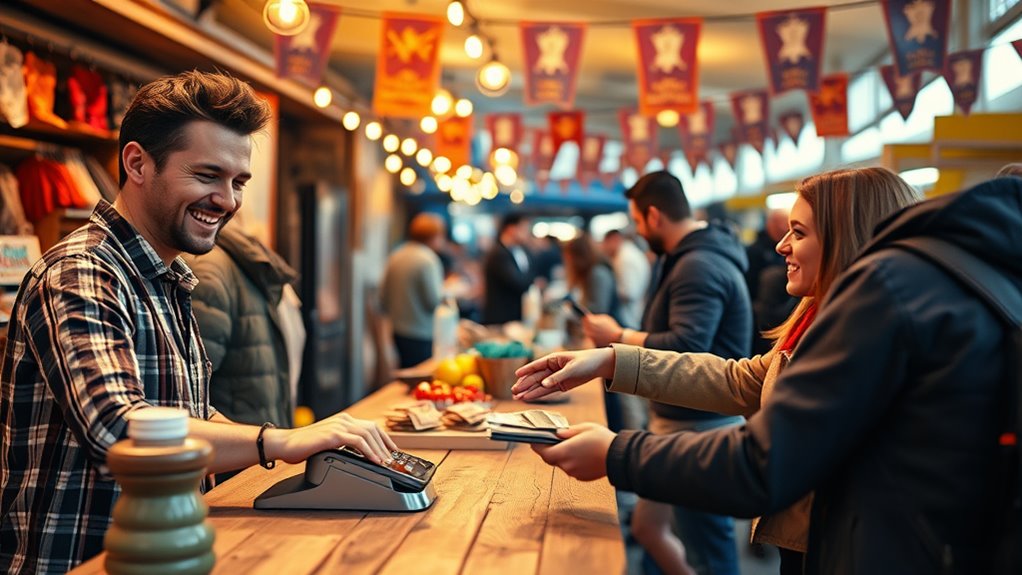
Are you ready to simplify how you handle sales at events? When it comes to accepting payments at pop-up shops or events, streamlining your process can make a huge difference in customer satisfaction and your overall efficiency. One of the most effective ways to do this is by leveraging mobile payment options. Mobile payments allow your customers to pay quickly and securely using their smartphones, eliminating the need for cash or card swipes. This not only speeds up transactions but also reduces the risk of errors and theft associated with cash handling. Integrating a reliable mobile payment system means you can process sales on the spot, whether through platforms like Apple Pay, Google Pay, or dedicated point-of-sale apps. These systems often come with user-friendly interfaces, so both you and your customers can navigate payments effortlessly. Plus, many mobile payment solutions automatically record transactions, helping with your cash management by providing real-time sales data and simplifying reconciliation at the end of the day.
Managing cash at events can be tricky, especially when sales are happening rapidly and in unpredictable environments. To keep your cash management smooth, consider minimizing cash handling altogether by encouraging digital payments. If cash is unavoidable, set up a secure cash box or till, and assign a dedicated person to handle cash transactions to prevent mix-ups or theft. Establish clear procedures for counting cash, recording sales, and depositing funds, so you maintain control and accuracy. Also, keep a close eye on your cash flow throughout the event, updating your records consistently to avoid confusion later. Using mobile payment systems can greatly reduce the amount of cash you need to manage, but if you do handle cash, ensure you have a system in place to track every dollar accurately. This might include using a portable receipt printer that can generate proof of purchase for cash customers, aiding your cash management process. Additionally, being aware of retail hours and planning your staffing accordingly can help ensure smooth operations during peak sales times.
Ultimately, the key to accepting payments at events is to combine the convenience of mobile payments with disciplined cash management strategies. Embrace technology that makes transactions faster and safer, and stay organized with clear procedures for handling any cash involved. This approach not only enhances customer experience by offering quick, secure options but also saves you time and effort in balancing your sales and cash flow. With the right tools and practices, you’ll be able to focus more on your event and less on the hassle of managing payments, making every sale smoother and more efficient.
Frequently Asked Questions
What Are the Best Mobile Payment Apps for Events?
You should consider using mobile payment apps like Square, PayPal, or Stripe, as they help improve cash flow and enhance your customer experience. These apps are easy to set up, accept multiple payment types, and process transactions quickly, reducing wait times. By choosing reliable mobile payment apps, you guarantee smooth sales, keep customers happy, and maintain a steady cash flow during your events or pop-up shops.
How Do I Handle Refunds at Pop-Up Shops?
Did you know that 70% of customers prefer quick refunds? When handling refunds at your pop-up shop, clearly communicate your cash refund policies upfront. Follow consistent customer refund procedures by verifying purchase receipts and processing refunds promptly. Keep your staff informed about your refund policies to guarantee smooth transactions. This approach builds trust and encourages repeat business, making your pop-up shop a positive shopping experience for everyone involved.
Can I Accept International Credit Cards Easily?
Yes, you can accept international credit cards easily with the right payment processor. Make sure it handles currency conversion smoothly to avoid confusion, and be aware of international fees that may apply. You might want to inform customers about potential extra charges, so they’re not surprised. Using a reliable system guarantees seamless transactions and improves customer experience, helping you expand your sales to international visitors effortlessly.
What Security Measures Are Recommended for Mobile Payments?
Did you know that 81% of data breaches involve stolen or compromised credentials? To protect your mobile payments, you should implement strong security measures like mobile encryption, which safeguards sensitive data during transactions. Also, prioritize fraud prevention tools such as real-time fraud detection and secure payment gateways. These steps help guarantee your customers’ information stays safe and your business stays compliant with industry standards.
How Do I Track Sales and Inventory During Events?
You can track sales and inventory during events by using a mobile cash register with built-in inventory management features. As you make sales, the system automatically updates your inventory counts, helping you stay on top of stock levels. Regularly review your sales reports to identify popular items and adjust your stock accordingly. This real-time tracking guarantees you maintain accurate records, making it easier to manage your event effectively.
Conclusion
Remember, a smooth payment process keeps customers happy and coming back. By setting up reliable options like mobile payments or card readers, you make transactions quick and easy. Don’t let technical hiccups or limited options turn buyers away. As the saying goes, “A penny saved is a penny earned”—so invest in good payment tools now to boost your sales later. With the right setup, you’ll turn more visitors into loyal customers at your next event or pop-up shop.
Fall Picks
fall essentials
As an affiliate, we earn on qualifying purchases.